Clergy Connect
Covering a Mass
Thank you for being ready to step in. Requests come by email. Here's what to do.

- 1
Who gets asked
Requests go to priests whose Travel radius (miles) reaches the church, measured from the nearest church you cover. Sub only priests are measured from the Home city in My Profile. Tick Any distance under your radius to be asked about every request in the diocese, however far. - 2
From the email
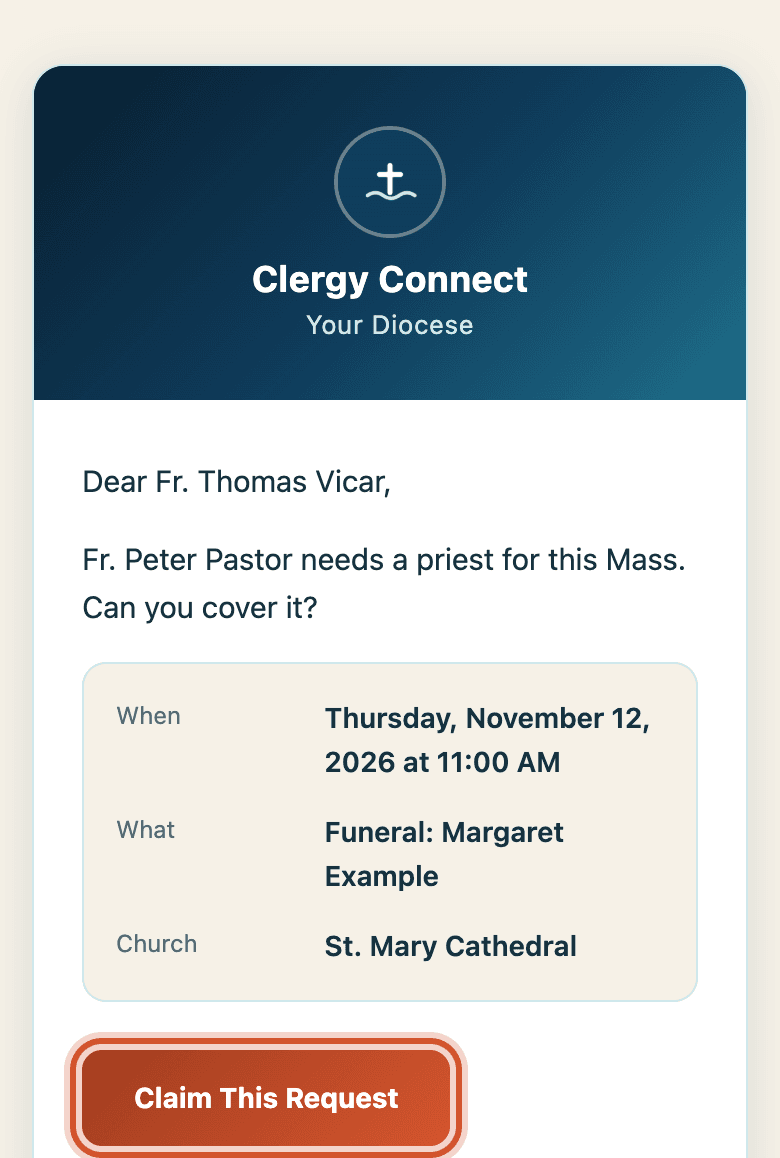
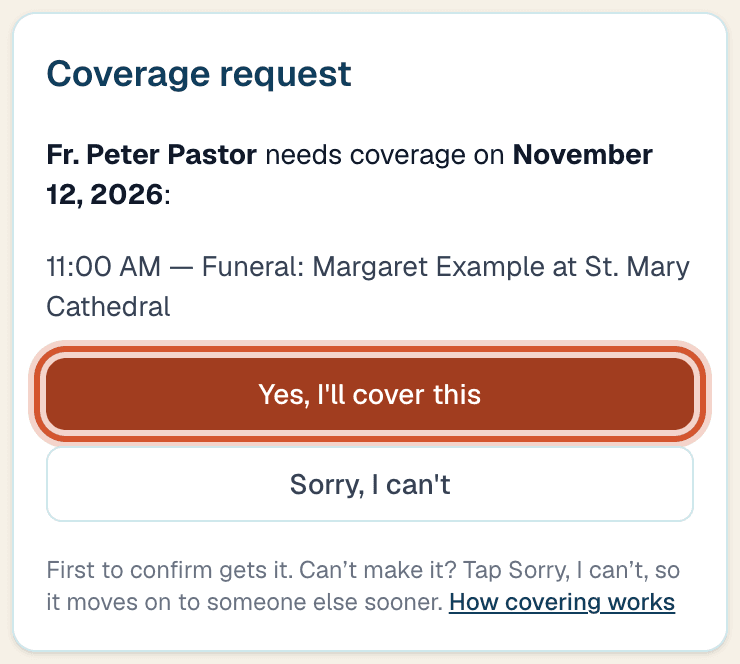
Tap Claim This Request, then Yes, I'll cover this. Can't do it? Tap Sorry, I can't: the office sees your answer, you aren't reminded about it, and once everyone asked has said no it goes on to the next priests right away. Changed your mind? Tap Undo, or just claim it. If someone got there first, the page says so. - 3
From your Dashboard
Everything still open is under Open across the diocese. Tap I'll cover this on any of them, even ones you weren't emailed about, or Sorry, I can't. - 4
Already busy that day?
You'll be asked. Tap Accept — I can do both, or tick what to drop that day and tap Accept and remove the ticked commitment, or Cancel — don't accept. Your own Mass is still yours to arrange. - 5
Can't make it after all?
On your Dashboard under You're covering, tap Can't make it, then Hand it back. The priest who asked is told, and it goes out again. - 6
Going away?
In My Profile, under Vacations, add the dates and tap Add vacation. You won't be asked to cover while you're away, and you're offered a sub for your own Masses.
Too many emails?
In My Profile, open Notifications and switch off the ones you don't want.